

Table of Contents
Being a student in 2026 means your laptop is your entire world: it’s your classroom, your library, and your cinema. But relying on just a bare laptop is a recipe for back pain and slow progress. After testing dozens of setups, I’ve realized that the right computer accessories can turn a frustrating study session into a high-speed productivity marathon.
Whether you’re typing essays at 2 AM, attending virtual lectures, or managing group projects, having the right gear makes all the difference. Let’s dive into the computer accessories for students needs to level up their study game.
External Hard Drive or SSD: The Survival Trio
Your laptop’s internal storage is like a small backpack; it fills up fast. An external SSD is no longer a luxury, it’s insurance against the “Blue Screen of Death” right before an assignment is due.
Why Students Need Extra Storage
Consider this scenario: your computer crashes the night before your important term paper is due. Terrifying, right? This is exactly why students must have an external hard drive or SSD (solid-state drive). Think of it as always having a digital locker with you. Internal storage fills up more quickly than you might think when you have homework, research documents, coding files, and video projects piling up.
Security for Your Academic Work
Backing up your work is now essential, not optional. Months of hard work could vanish due to a single power outage or virus attack. External drives serve as insurance for your academic career. Keeping multiple copies of important documents guarantees you won’t be caught off guard.
Easy Portability
External drives are thin and lightweight these days. Companies like Samsung T7 and Western Digital have produced incredibly compact devices that fit in your pocket or backpack. Fast read/write speeds make moving large files lightning quick, especially when using SSDs.
Best External Drives for Students 2026
If you want reliability, the Samsung T7 Portable SSD is the best option. Need a budget-friendly choice? WD My Passport offers massive storage without breaking the bank.
| Drive | Storage | Features | Student Price Rating |
|---|---|---|---|
| Samsung T7 | 500GB to 2TB | Ultra-fast, shock-resistant | 5 STAR |
| WD My Passport | 1TB to 5TB | Affordable, password protection | 4 STAR |
| Seagate Backup Plus | 1TB to 5TB | Durable, backup software included | 4 STAR |
Pro Tip: Always keep your important files in at least two places. Cloud storage plus an external drive is the perfect combination.
Wireless Keyboard and Mouse: Boost Your Productivity
Ten-hour study marathons are not the best time to use a cramped laptop keyboard or tiny trackpad. Wireless keyboard and mouse sets can help with that. They’re not just for convenience; they can actually increase your typing speed, reduce wrist strain, and make multitasking easier.
Ergonomic Benefits
Sitting hunched over your laptop is terrible for your posture. Wireless keyboards allow you to position your typing surface ergonomically, lowering your risk of back pain and carpal tunnel syndrome. A wireless mouse provides greater precision than a trackpad, saving you countless seconds with each click.
Portability for On-the-Go Students
Thanks to their portability and lightweight design, wireless sets make it easy to create a productive workstation anywhere: coffee shops, libraries, or study rooms. No tangled cables. No headaches.
Top Wireless Options for Students
Logitech MK270: Great for students on a budget. Durable with long battery life.
Microsoft Wireless Desktop 900: Sleek design with whisper-quiet keys perfect for library sessions.
Apple Magic Keyboard + Magic Mouse: Perfect for Mac users who crave style and smooth performance.
Investing in a quality mouse and keyboard set is like upgrading from a bicycle to a motorcycle; you’ll wonder how you managed without them.
Mechanical Keyboard Bonus: If you’re a CS student spending hours coding, consider a mechanical keyboard. Your fingers will thank you during long programming sessions.
Noise-Canceling Headphones: Your Focus Tool

Try studying while your roommates binge-watch the latest Netflix series. Frustrating, right? This is why noise-canceling headphones are a necessity for students, not a luxury.
The Importance of Focus in Noisy Environments
Dorm rooms, libraries, and cafés can get loud without warning. Noise-canceling headphones create a personal sound bubble that enables you to concentrate and block out distractions. You get a private study environment wherever you go.
Beyond Studying
Good headphones aren’t just for academics! They’re your best friends when you want to relax. Crystal-clear sound quality enhances everything from music to podcasts to online lectures.
Top Student Headphones 2026
Sony WH-1000XM5: Industry-leading noise cancellation with unbeatable battery life (30+ hours).
Bose QuietComfort 45: Incredibly comfortable for long sessions with top-notch sound quality.
Anker Soundcore Life Q30: Budget-friendly but impressive performance. Perfect for students watching their wallet.
Smart Tip: Look for headphones with comfortable padding and battery life of at least 20 hours to survive extended study marathons.
USB-C Hub: The Port Multiplier
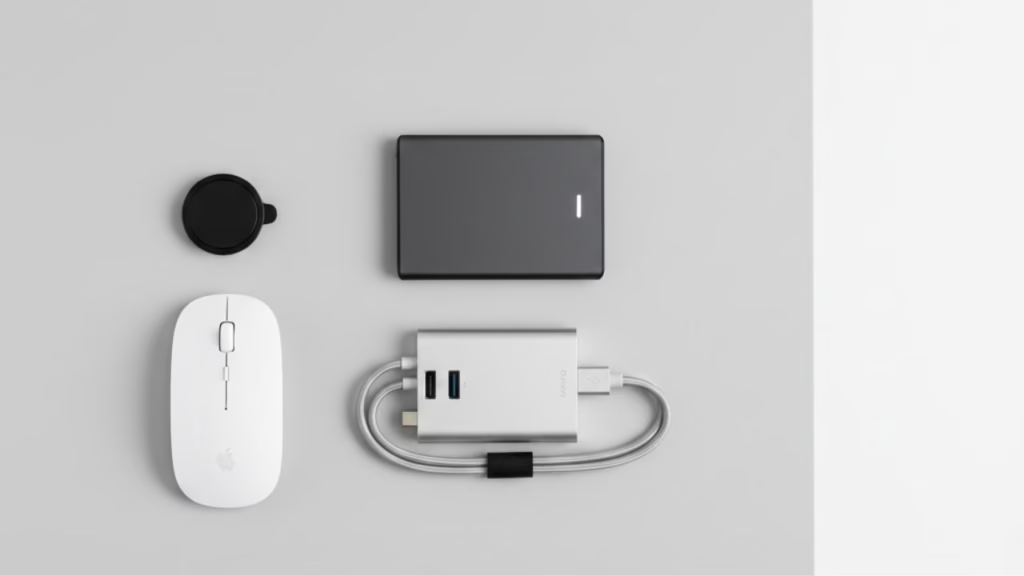
Anyone who has tried to connect a mouse, keyboard, printer, and external drive to a modern laptop knows the struggle. Newer laptops come with just 2 or 3 ports, which is nowhere near enough. Enter the USB-C hub, your new best friend.
Solving Limited Port Problems
A USB hub expands your laptop’s connectivity options, enabling you to connect multiple devices simultaneously. Modern hubs include Ethernet connections, HDMI ports, and SD card readers, transforming your laptop into a full workstation.
The USB-C Hub Life
Modern laptops have fewer ports than ever. A 7-in-1 USB-C Hub is the “glue” that holds your mouse, monitor, and charging cable together. It’s the difference between constantly unplugging devices and having everything connected at once.
Features to Consider
Before selecting a USB hub, prioritize:
Number of ports: At least 4 to 6 ports for flexibility
Data transfer speed: Look for USB 3.0 or higher (USB 3.2 is even better)
Portability: Lightweight design that fits in your bag
Build quality: Metal casing preferred over plastic for durability
Top USB Hubs for College Students
Anker 7-in-1 USB-C Hub: Ultra-slim, reliable, and perfect for MacBook users.
Sabrent 4-Port USB Hub: Affordable and efficient for basic needs.
HyperDrive Slim 8-in-1: Premium features for tech-savvy students including 4K HDMI output.
The right hub ensures you never face the “unplug and replug” problem again.
Laptop Stand: Fix Your Posture
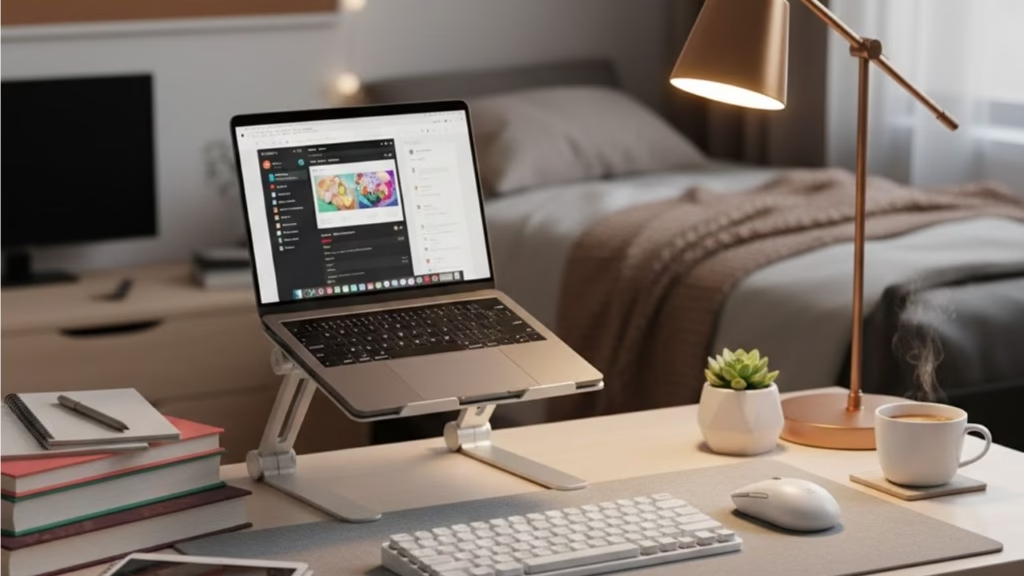
If you’re like most students, you spend hours bent over a laptop. While it might not seem serious now, poor posture over time leads to chronic neck and back pain. A laptop stand brings your screen up to eye level, encouraging better posture and healthier study habits.
Stop Hunching!
If you’re spending 6+ hours on a laptop, a laptop stand combined with a wireless keyboard is non-negotiable. Raising your screen to eye level prevents what doctors call “Tech Neck.” A stand helps properly align your neck and spine, reducing strain significantly.
Preventing Long-Term Pain
When paired with a wireless keyboard and mouse, a laptop stand creates an ergonomic setup that can dramatically increase your comfort during extended work sessions. Your future self will thank you.
Adjustable and Portable Options
Modern laptop stands are lightweight, adjustable, and foldable. They provide the flexibility to create an ergonomic workstation anywhere: at your desk, on the couch, or even in bed.
Best Laptop Stands for Students
MOFT Invisible Stand: Super light and ultra-portable. Sticks to your laptop.
Rain Design mStand: Stylish aluminum design and incredibly sturdy.
Nulaxy Laptop Stand: Fully adjustable height and angle, budget-friendly.
Think of a laptop stand as an investment in your health and wellbeing, not just your studies.
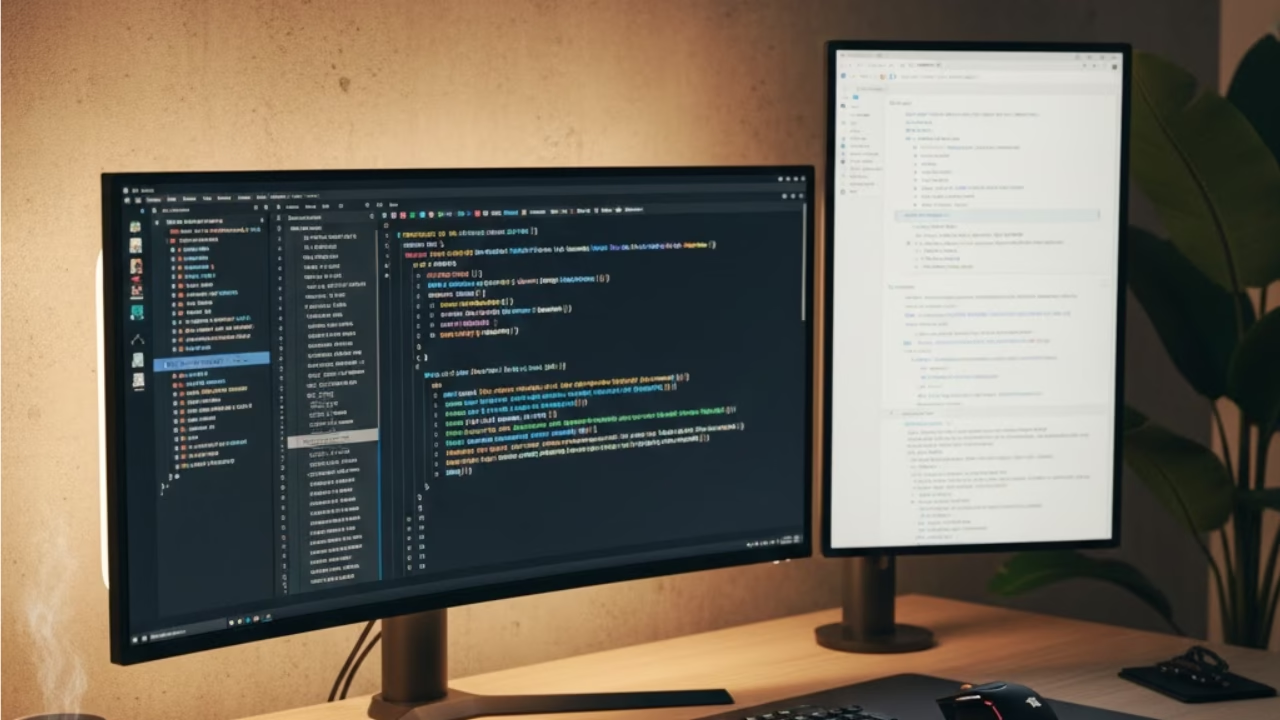
For a more advanced setup, check out our guide on the best [Dual Monitor Setup for Coding] to maximize your screen real estate.
Webcam Cover: Privacy First
A small $5 accessory that every student needs for privacy during Zoom classes. With the rise of online learning, webcam security has become crucial.
Why You Need One
Hackers can potentially access your webcam without your knowledge. A webcam cover provides physical protection and peace of mind. Plus, it prevents embarrassing moments when you forget to turn off your camera during virtual classes.
Top Picks
CloudValley Webcam Cover: Ultra-thin design that doesn’t interfere with laptop closing.
C-SLIDE Webcam Cover: Smooth sliding mechanism, available in multiple colors.
Portable Monitor: Dual-Screen Productivity
For students in design, engineering, or coding programs, a second screen can be a game changer.
Why Students Love Dual Screens
Research papers on one screen, writing on another. Code on one side, documentation on the other. A portable monitor doubles your workspace without taking up much room.
Best Portable Monitors
ASUS ZenScreen: 15.6 inch, USB-C powered, lightweight.
Lepow Portable Monitor: Budget-friendly with excellent color accuracy.
Blue Light Glasses: Protect Your Eyes
Staring at screens for 8+ hours daily strains your eyes. Blue light glasses reduce eye fatigue and help you sleep better.
Why They Matter
Blue light from screens can disrupt your sleep cycle. Wearing blue light blocking glasses in the evening helps your body produce melatonin naturally, leading to better rest before exams.
Recommended Brands
Cyxus Blue Light Glasses: Affordable and effective.
Felix Gray: Premium option with stylish frames.
Desk Organizer: Declutter Your Space
A cluttered desk leads to a cluttered mind. A simple desk organizer keeps your pens, cables, and sticky notes in order.
Keep Everything Accessible
Having designated spots for your accessories means less time searching for your USB drive or charger when you’re in a hurry.
Cable Management Clips: Tame the Wire Mess
Nothing is more annoying than cables falling behind your desk every time you unplug something.
Simple Solution
Cable management clips keep your charging cables, USB cords, and headphone wires organized and within reach.
Laptop Cooling Pad: Prevent Overheating
Gaming or running heavy software? A cooling pad prevents your laptop from overheating and throttling performance.
Why It Matters
Overheating reduces your laptop’s lifespan and causes frustrating slowdowns during important tasks.
Top Cooling Pads
Havit RGB Laptop Cooling Pad: Powerful fans with adjustable height.
TopMate Laptop Cooler: Ultra-quiet operation perfect for libraries.
Screen Cleaner Kit: Keep It Crystal Clear
Fingerprints and dust on your screen are distracting and unprofessional during video calls.
Maintenance Matters
A simple microfiber cloth and screen cleaning solution keeps your display looking new and improves visibility.
Surge Protector: Protect Your Investment
Power surges can fry your expensive electronics in seconds. A surge protector is essential insurance.
Smart Features
Modern surge protectors include USB charging ports, making them even more useful for students with multiple devices.
Backpack with Laptop Compartment: Safe Transportation
Your laptop deserves better than being tossed into a regular bag with textbooks.
Padded Protection
A dedicated laptop backpack with padded compartments protects your device from bumps and drops during your commute.
Top Student Backpacks
SwissGear ScanSmart: TSA-friendly with excellent organization.
Herschel Little America: Stylish and spacious for students.
Conclusion
The right accessories can dramatically improve your academic performance and overall computer experience. From external drives for security to laptop stands for comfort, the right equipment makes studying more effective and enjoyable. Investing in these tools is truly an investment in your academic success.
Remember, you don’t need to buy everything at once. Start with the essentials (external storage, ergonomic setup, and good headphones), then gradually add more accessories as your needs grow. Your productivity and health will thank you.
FAQs About Computer Accessories for Students
Q1. What is the most important computer accessory for students?
An external hard drive or SSD is crucial. It protects your work from data loss and provides extra storage for large files and projects.
Q2. Why do students need noise-canceling headphones?
They create a focused study environment by blocking out distractions, especially useful in noisy dorms, libraries, or cafés.
Q3. What are the benefits of a laptop stand for students?
A laptop stand improves posture, reduces neck and back strain during long study sessions, and creates a more ergonomic workspace.
Q4. Are wireless keyboards and mice worth it for students?
Absolutely. They improve comfort, typing speed, and portability, making any study environment more productive.
Q5. How does a USB-C hub help students?
Modern laptops have limited ports. A USB-C hub lets you connect multiple devices (mouse, keyboard, external drive, monitor) simultaneously without constantly unplugging and replugging.
Q6. Do I really need a webcam cover?
Yes, for privacy and security. It protects you from potential hacking and prevents embarrassing moments during online classes.
Q7. What should I look for in an external SSD?
Prioritize storage capacity (at least 500GB), fast transfer speeds, durability, and portability. The Samsung T7 is an excellent choice.
Q8. Can blue light glasses really help students?
Yes, they reduce eye strain from prolonged screen time and help maintain healthy sleep patterns by reducing blue light exposure in the evening.

2 thoughts on “15 Essential Computer Accessories for Students in 2026: The Ultimate Toolkit”