
Table of Contents
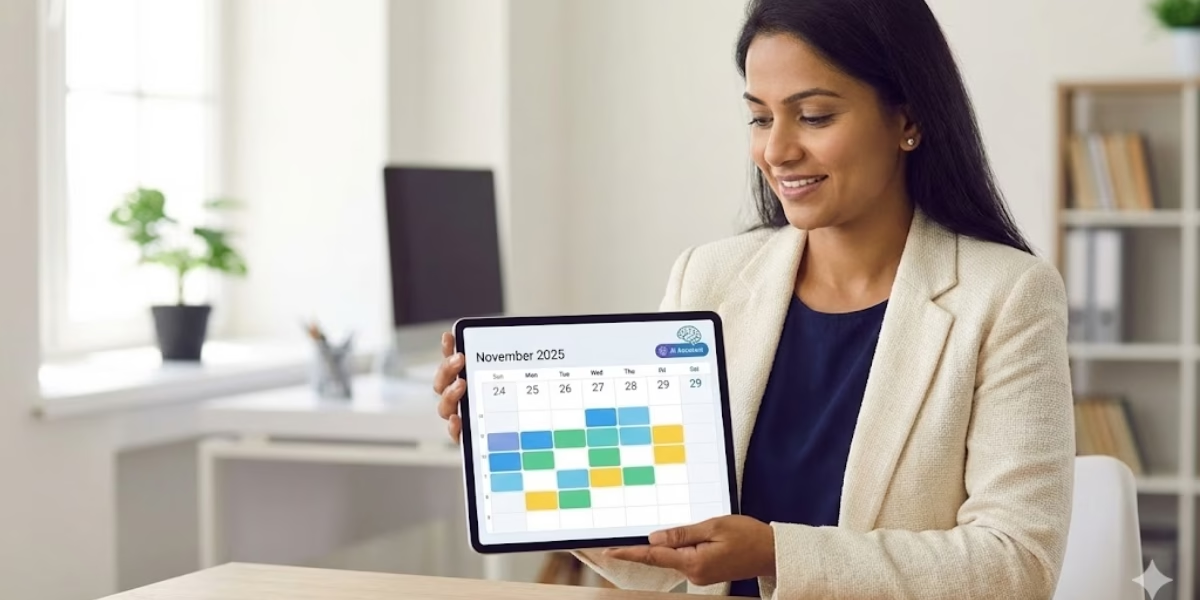
If there’s one tool that has become essential for everyday life in 2026, it’s the digital calendar. With busier work schedules, hybrid offices, global time-zone collaboration, and the rise of AI-powered assistants, the demand for the best digital calendar apps in 2026 is at its peak.
Businesses and professionals rely heavily on cloud-based calendar systems to organize workflows, manage appointments, and collaborate with global teams. Students use them to plan semester schedules, track deadlines, and balance personal commitments.
Families use shared calendars to coordinate chores, routines, and events. And entrepreneurs rely on appointment scheduling software and tools like Calendly more than ever. No matter the use case, the right digital calendar can save hours each week.
But with dozens of apps, including Google Calendar, Outlook, Apple Calendar, Motion, Notion Calendar, ClickUp, and TimeTree, the real question becomes, which digital calendar is best for your specific needs? That’s exactly what this detailed, human-written guide will help you figure out.
We’ll walk through a complete digital calendar comparison for 2026, break down AI features, analyze pricing, highlight pros and cons, and explain what features really matter when choosing a calendar app. By the end, you’ll know precisely how to choose the right digital calendar based on your lifestyle, device type, workflow, and preference.
Best Digital Calendar Apps 2026: A Quick Overview
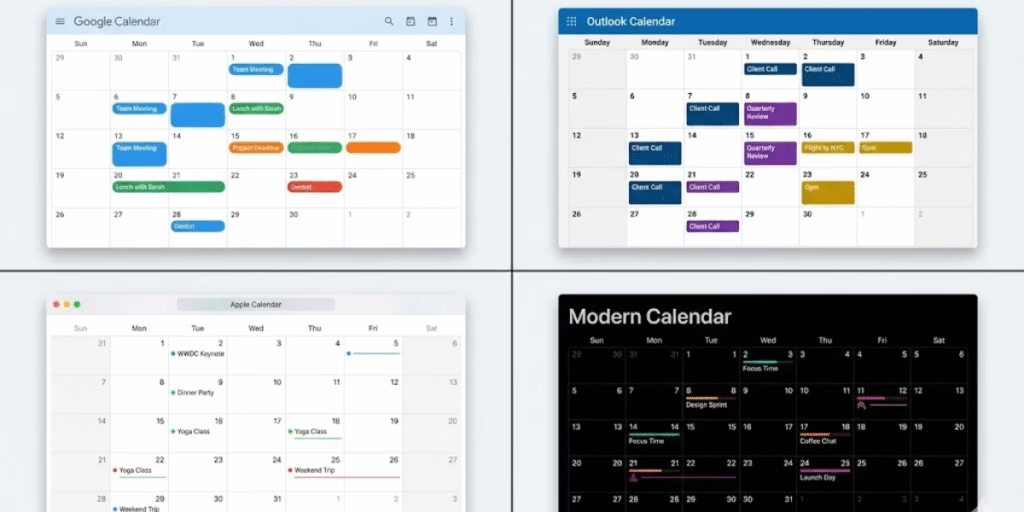
The most popular choices remain Google Calendar, Microsoft Outlook Calendar, Apple Calendar, Notion Calendar, Fantastical, Motion, TimeTree, Calendly, Todoist Calendar Sync, and ClickUp Calendar.
These apps collectively cover every possible use case, from calendar apps with AI features to calendar apps that integrate with email to color-coded calendar organizers to calendars that help you run a business. People frequently search online for phrases like “What’s the best calendar app for Android and iPhone?” or “Which digital calendar is best for team collaboration?” and the answer almost always comes from this top-10 list.
- These apps earned their ranking based on several factors:
- AI scheduling intelligence
- Cross-platform compatibility
- Ease of use / user-friendly design
- Availability of a free plan
- Ability to handle multiple schedules
- Integration with tools like Google Workspace, Microsoft 365, and Slack
- Shared calendar functionality
- Task management and reminders
- Scheduling automation for meetings
What separates 2026 calendars from older versions is their ability to auto-organize your life. They’re not merely digital planners; they’re assistants that understand context, priorities, and availability.
This overview sets the stage for the in-depth digital calendar comparison for 2026 that follows, helping you quickly identify which apps deserve your attention based on your personal or professional needs.
Digital Calendar Comparison 2026
Before selecting the perfect app, it’s essential to compare the top options side-by-side. In 2026, users want features like calendar apps with AI scheduling assistants, task management, shared calendars for families, time zone converters, automatic meeting schedulers, and cross-platform calendar sync.
These features are especially crucial for professionals who ask, “Which calendar app should I use for work?” And what is the most user-friendly calendar app?
Below is a comparison table showing how the top 10 calendar apps stack up:
| Calendar App | AI Scheduling | Sync Across Devices | Email Integration | Team Collaboration | Best For |
| Google Calendar | Yes | Excellent | Strong | Very Good | Personal + Work |
| Outlook Calendar | Yes | Excellent | Best | Excellent | Businesses |
| Apple Calendar | Basic | Excellent | Good | Limited | Apple Users |
| Notion Calendar | Yes | Excellent | Good | Very Good | Productivity Users |
| Fantastical | Yes | Excellent | Good | Good | Apple Users |
| Motion | Strongest | Excellent | Good | Good | Busy Professionals |
| Todoist Calendar Sync | Moderate | Excellent | Good | Limited | Task Lovers |
| TimeTree | Basic | Excellent | Limited | Strong | Families |
| Calendly | Strong | Excellent | Best | Excellent | Appointments |
| ClickUp Calendar | Moderate | Excellent | Good | Strongest | Teams |
This comparison illustrates that no single calendar is perfect for everyone. For example:
- If you want automatic scheduling, Motion is unbeatable.
- If you want the best free calendar app with reminders, Google Calendar remains king.
- If you need a calendar that integrates with email, Outlook is the strongest.
- If you’re managing a family, TimeTree is the superior choice.
- If you want the best calendar app that syncs across devices, Apple Calendar and Google Calendar dominate.
- For team collaboration, ClickUp and Outlook are industry leaders.
This variety is exactly why people search for how to choose the right digital calendar. In the next sections, we will break down each app individually to help you decide which one fits your workflow perfectly.
How Digital Calendars Improve Productivity
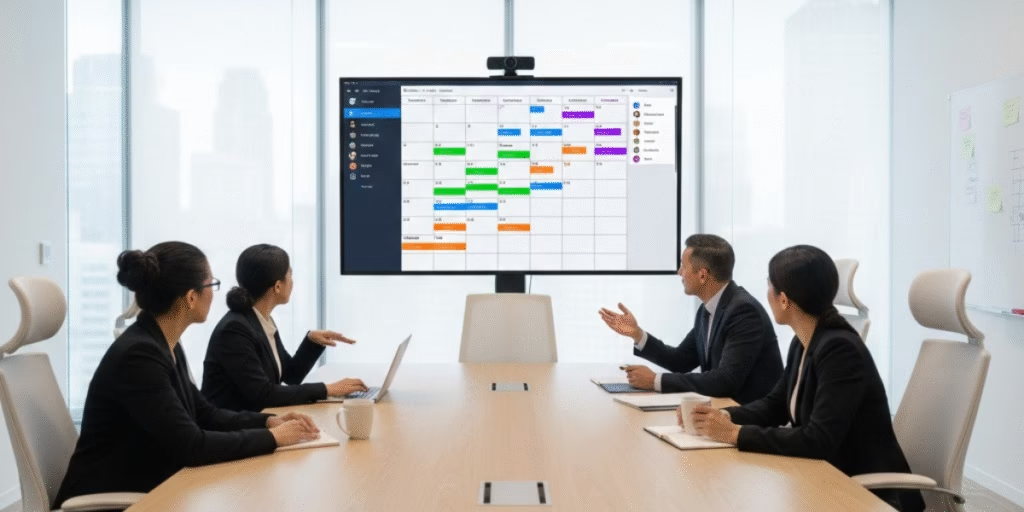
One of the greatest advantages of digital calendars is automation. Instead of manually arranging every meeting, AI now handles tasks such as identifying available slots, suggesting meeting times, interpreting natural-language commands, and even sending reminders automatically.
Tools like Motion and Google Calendar use machine learning to analyze your patterns and optimize your schedule. This explains the rising popularity of the keyword digital calendar with automatic scheduling.
Digital calendars also support color-coded organizers, making it easy to identify personal tasks, work events, family activities, and deadlines at a glance. This visual clarity helps reduce stress and boosts mental focus.
Ultimately, digital calendars save time, improve organization, and provide clarity, three ingredients essential for modern productivity.
Best Calendar Apps by Use Case
Choosing the right tool depends heavily on how you plan to use it. Here’s a quick guide.
Best Calendar App for Busy Professionals
- Motion
- Google Calendar
Best Free Calendar App with Reminders
- Google Calendar
- Apple Calendar
Best Calendar App for Managing Multiple Schedules
- ClickUp
- TimeTree
Best Digital Calendar for Team Collaboration
- Outlook
- ClickUp
- Notion Calendar
Best Calendar App That Syncs Across Devices
- Google Calendar
- Apple Calendar
Calendar App With AI Features (2026 Trends)
AI is now at the core of modern scheduling. In 2026, the most important trend is predictive planning calendars that learn your habits and automatically adjust your schedule.
Key AI capabilities include:
- Auto-blocking focus time
- Auto-rescheduling tasks
- Predicting meeting durations
- Natural language input
- Email-to-event creation
- Time-zone adaptation
These tools help users reduce manual work, avoid conflicts, and stay focused. AI also improves personal habits by recommending better routines, reducing multitasking, and optimizing productivity.
Google Calendar vs Microsoft Outlook Comparison
| Feature | Google Calendar | Outlook Calendar |
| Ease of Use | Simple | Moderate |
| Email Integration | Strong | Best |
| AI Scheduling | Good | Very Good |
| Team Collaboration | Good | Excellent |
| Price | Free | Included with Microsoft 365 |
Google Calendar is ideal for everyday users and professionals who want simplicity.
Outlook Calendar is perfect for businesses and enterprise teams needing advanced collaboration.
Conclusion
The digital calendar world in 2026 is smarter, faster, and more intuitive than ever. Whether you want AI-powered scheduling, cross-device sync, task management, or a simple shared planner for your family, there’s an app designed for your needs.
The key is choosing the one that fits your lifestyle. Use this guide to compare features, explore options, and pick the calendar that helps you stay organized, focused, and productive all year long.
FAQs
1. What’s the best digital calendar for productivity in 2026?
Motion and Google Calendar top the list for productivity due to their AI features.
2. Which calendar app is best for teams?
Outlook, ClickUp, and Notion Calendar are ideal for collaboration.
3. Can digital calendars sync with multiple platforms?
Yes, Google Calendar and Apple Calendar offer the best cross-platform syncing.
4. Why do professionals prefer digital calendars?
They save time, improve organization, automate tasks, and reduce scheduling conflicts.
5. Are AI calendar apps worth it?
Yes. AI features help automate planning and significantly improve productivity.

Checked out rivalry.info. Seems to be more about the general idea of rivalry rather than a specific betting platform. So you know you can visit this site to get information on rivalry. Here is the link: rivalry